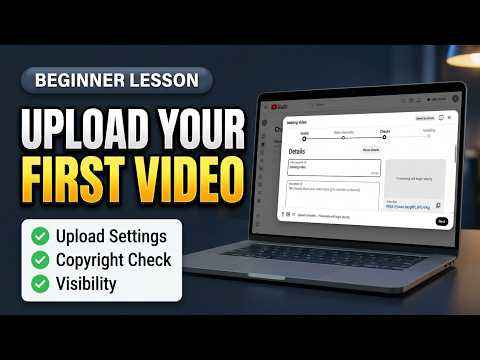

Filed under: Tutorials · YouTube Tests & Guides
A step-by-step upload guide explains details, elements, checks, visibility, and the important difference between uploading and publishing.
How can a beginner upload a first video without accidentally making an unfinished upload public? To answer it, the Click Test walked through the upload sequence and kept visibility as a deliberate final decision.
Separating upload from publication gives a beginner time to review metadata, processing, checks, and the final presentation. This is most relevant to new creators preparing their first YouTube upload.
The upload workflow from file to publish
The demonstrated tool or workflow was YouTube Studio upload workflow.
- Select the video file in YouTube Studio.
- Complete the title, description, audience, and other details accurately.
- Review optional video elements.
- Wait for processing and checks to finish.
- Choose the intended visibility; use Private when the upload is not ready for viewers.
Details to verify before release
- The workflow showed that uploading the file and publishing it are separate actions.
- A video could be saved privately for review rather than released immediately.
Separating upload from publication gives a beginner time to review metadata, processing, checks, and the final presentation.
What happens after upload
Processing time and available controls vary. A successful upload does not guarantee performance or approval of copyrighted material.
The Click Test Conclusion
Complete the upload carefully, review every step, and choose visibility intentionally before making the video public.
Prefer to watch the demonstration?
The written article above contains the essential answer. The public video is available as an optional walkthrough.