
Filed under: Free Creator Software
Updated October 6, 2026. This is the decision guide accompanying our short Photopea demonstration. For the complete menu-by-menu workflow, use our white-background removal tutorial.
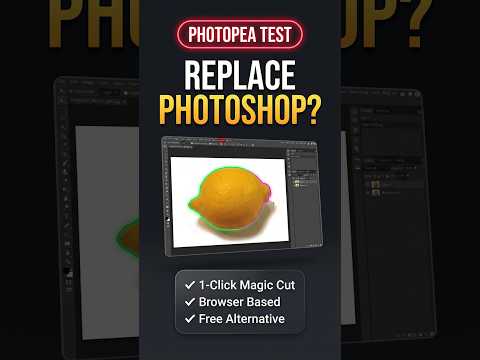
Should you pay for another editor just to cut out one simple image? Our Short shows the opening of a real Photopea background-removal task. It is a preview of the longer test, not proof that Photopea matches Photoshop across professional workflows.
What you can conclude from this Short
A browser editor can be a practical starting point for a plain-background cutout. The clip introduces background selection and transparency inspection. It does not establish an export-quality benchmark, a comparison of processing speeds, or a guarantee for difficult photographs. The longer tutorial is where we explain the completed workflow and PNG export.
Choose the tool around the image, not the headline
- Clear subject, plain white background: a reasonable candidate for the simple selection workflow. Check the outline before clearing pixels.
- White details inside the subject: pay attention to which pixels are selected. In Photopea, Contiguous restricts selection to connected similar-color areas; turning it off can include separated white details.
- Hair, glass, or a low-contrast edge: the Short does not demonstrate these cases. Expect a more careful selection or masking workflow rather than assuming the same result.
- A recurring professional job: assess the entire workflow, including revision handling and the final delivery format. One successful cutout cannot answer every production requirement.
The selection behavior is documented in Photopea’s official guide. These are decision criteria, not extra test cases we have completed.
A quick acceptance check for your own result
- Check whether any part of the subject disappeared with the background.
- Inspect the cutout on the background where you will use it, not only the editor’s checkerboard.
- Reopen your exported PNG and confirm the result is usable. JPEG cannot preserve transparency.
Keep the original image and, when revisions matter, save the working document as PSD. See Photopea’s file-format guidance.
Our verdict
Try the free browser workflow for a simple cutout before committing to a paid editor solely for that task. Judge the file you actually export. Our Short is an invitation to inspect the full test—not a promise that one tool replaces every feature of another.
Prefer to watch the demonstration?
The written article above contains the essential answer. The public video is available as an optional walkthrough.