
Filed under: Audio & Video Workflows · Free Creator Software
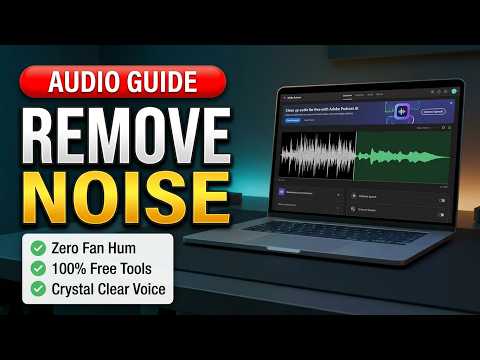
Adobe Podcast, Audacity, and OBS noise suppression were tested on the same noisy recording. The results were clearly different.
Which of three accessible tools could remove a steady fan sound without ruining the voice? To answer it, the Click Test processed the same noisy material through each workflow and listened for both noise removal and damage to the spoken voice.
The side-by-side test shows why a tool should be judged on both cleanup strength and voice quality. This is most relevant to video creators, podcasters, and anyone trying to rescue dialogue recorded with steady background noise.
How the three audio tools were compared
The demonstrated tool or workflow was Adobe Podcast Enhance, Audacity, and OBS Studio noise suppression.
- Used Adobe Podcast Enhance on the noisy recording.
- Tried a conservative Audacity noise-reduction setting.
- Compared OBS RNNoise and Speex suppression.
- Listened to the cleaned voice and the remaining fan noise after each attempt.
Which cleanup result was most usable
- Adobe Podcast removed the noise most effectively while keeping the voice usable.
- The safe Audacity setting barely reduced the fan.
- The tested OBS suppression settings damaged the voice and still left fan noise.
The side-by-side test shows why a tool should be judged on both cleanup strength and voice quality.
Service limits and audio trade-offs
At the time of the test, Adobe Podcast imposed service limits, including one file at a time, a 30-minute and 500 MB file ceiling, and one enhanced hour per day. Limits can change.
The Click Test Conclusion
Adobe Podcast was the clear winner in this specific test. The tested Audacity and OBS settings did not produce an equally useful balance.
This label applies only to the demonstrated version, workflow, and test conditions.
Prefer to watch the demonstration?
The written article above contains the essential answer. The public video is available as an optional walkthrough.