
Filed under: Tutorials · YouTube Tests & Guides
Updated October 6, 2026. The safest first-upload workflow is to keep an unfinished video private while you review it. Uploading a file, completing its details and publishing it are separate stages. Our demonstration follows that sequence rather than treating the upload button as the finish line.
Before selecting the file
Play the exported video locally. Check the opening, the ending, narration clarity and whether text is readable. Confirm that this is the final export, not a sample or an older revision. Keep the source project so mistakes can be corrected without rebuilding everything.
Upload in Studio
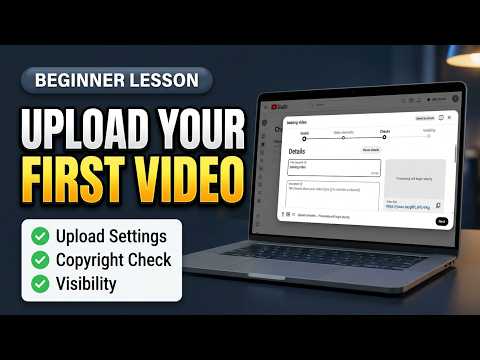
Use Create, then Upload videos and select the file. YouTube’s upload guide covers the Details, video elements, checks and visibility stages. Choose the visibility deliberately; do not rely on an account default.
Complete the details truthfully
- Title: describe the result or question the video actually delivers.
- Description: explain what was tested, its limitations and where viewers can find the tools or sources.
- Thumbnail: use a readable image that matches the content and check that your account can upload it.
- Audience: classify the actual content accurately.
A useful description answers questions the video leaves a viewer needing to act on. It should not be a wall of repeated keywords or unsupported promises.
Review the processed version
- Keep the video private while processing and checks complete.
- Play the beginning, a middle demonstration and the ending in YouTube’s player.
- Check captions against the narration, especially names, numbers and tool terminology.
- Open the description links and make sure they lead to the intended destinations.
- Review any check or restriction shown in Studio before changing visibility.
Publish or schedule deliberately
Confirm the channel, title, thumbnail and selected time before the final action. If you schedule a release, verify the displayed date and timezone. Then review the public page after publication rather than assuming the private preview proves the public result.
After the upload
For The Click Test, the accompanying article should include the demonstration, usable steps, sources and limitations. A video embed by itself is not the complete guide. Keep a note of corrections so the website and video description can stay consistent.
If a feature is blocked, resolve that specific access issue instead of publishing a rushed workaround. This checklist is intended to prevent avoidable mistakes, not guarantee impressions or subscribers.
Prefer to watch the demonstration?
The written article above contains the essential answer. The public video is available as an optional walkthrough.