
Filed under: AI & Codex Tools · YouTube Tests & Guides
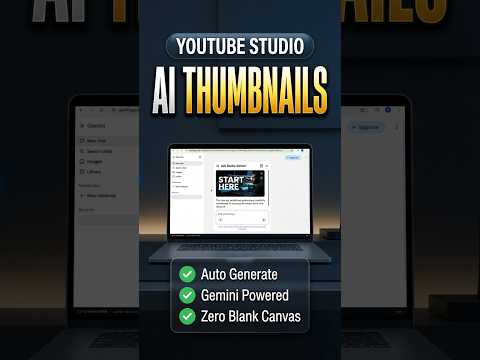
YouTube Studio can use video context to suggest Gemini-assisted thumbnail concepts that the creator can review and refine.
How does the Gemini-assisted thumbnail option inside YouTube Studio fit into a real creator workflow? The Click Test opened the suggestion workflow, used the video context, reviewed generated concepts, and showed that the creator chooses whether to apply or refine them.
How the Studio workflow works
- Open the available suggestion feature in Studio.
- Let the tool use the current video context.
- Review the proposed thumbnail concepts.
- Choose, refine, or reject the result.
What to review before using the thumbnail
- Studio generated context-aware thumbnail suggestions for creator review.
The feature can accelerate thumbnail brainstorming inside the upload environment.
Where creator judgment remains essential
Availability can vary, and generated concepts still require accuracy, readability, and branding checks.
The Click Test Conclusion
The feature can make thumbnail concepts, but the creator remains responsible for the final choice.
Prefer to watch the demonstration?
The written article above contains the essential answer. The public video is available as an optional walkthrough.