

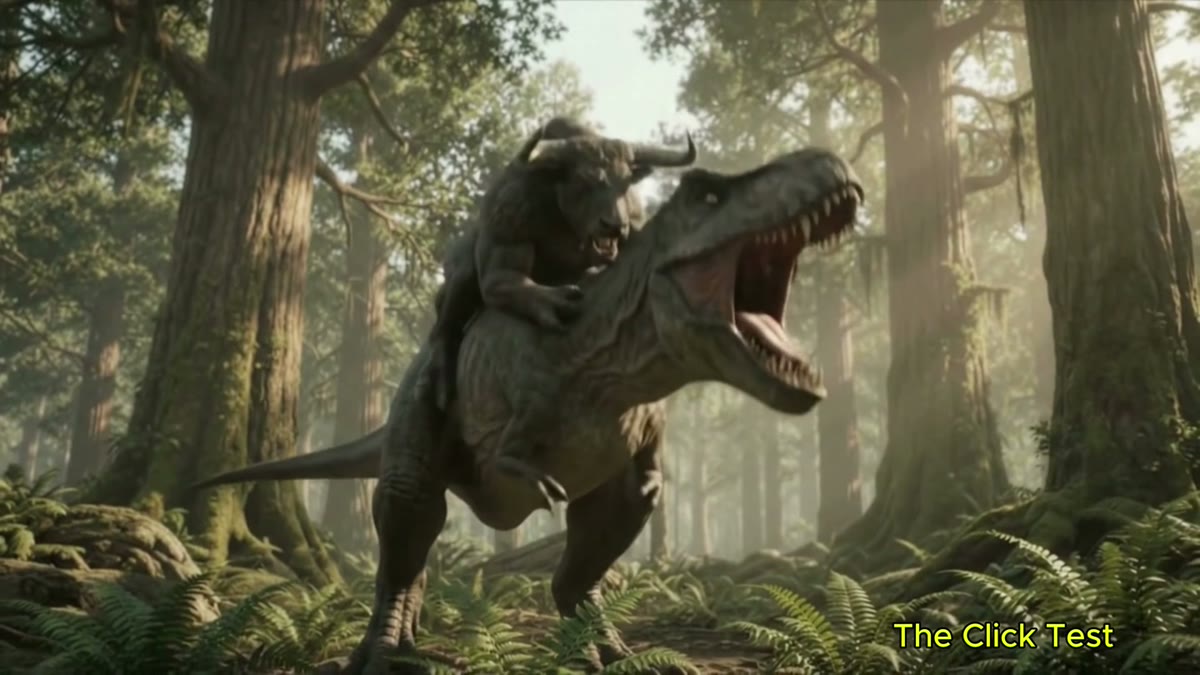
Could a handful of short prompts become a coherent little monster movie? That was the test. I used Gemini Flash Lite to generate brief T-Rex and Minotaur scenes, then did the continuity work myself: choosing usable takes, prompting one clear next action, and assembling a connected story in CapCut. The finished landscape cut is 4K. The prompts were simple; getting every clip to agree on who was standing where took more than one try.
This is a practical look at the process behind T-Rex vs. Minotaur—not a claim that one magic sentence produces a finished film. Scene generation helped create the raw moments; review and editing turned those moments into a movie.
At a glance
Short natural-language scene prompts → continuity checks and retries → manual CapCut edit → 3840 × 2160 widescreen export → separate full-frame 9:16 version.
The movie: a full 4K widescreen cut
How I built the story
- Generate short scenes
- Prompt the next action
- Continue from the previous scene
- Check continuity and action
- Assemble the approved clips in CapCut
- Export the 16:9 4K movie
- Make a separate 9:16 version
1. Generate short scenes
I started with brief video scenes in Gemini Flash Lite rather than asking for a complete movie in one go. Each generation supplied a piece of the story: a creature reveal, an approach, or a new beat in the confrontation. Short clips were easier to review and replace when a take wandered away from the idea.
2. Describe the next action in plain language
The prompts used ordinary directions about what should happen next. I kept the central action clear, then added setting or camera detail only when it helped the scene. A prompt can be simple without being vague: name the characters and the movement you want the viewer to see.
3. Continue from the previous scene
To carry the action forward, I referred to the last scene and described the next beat. Here is the prompt example supplied for this project:
“Continue from the last scene. The T-Rex shakes the Minotaur and strikes him with its tail, sending him into a tree. The Minotaur gets up and runs away.”
Prompt example from this project
That instruction gives the clip a direction, but it is not a guarantee that the model will preserve every earlier detail. Continuation can still take retries, and a generated scene may change the creatures’ size, position, appearance, or the direction of movement.
4. Review every clip for continuity
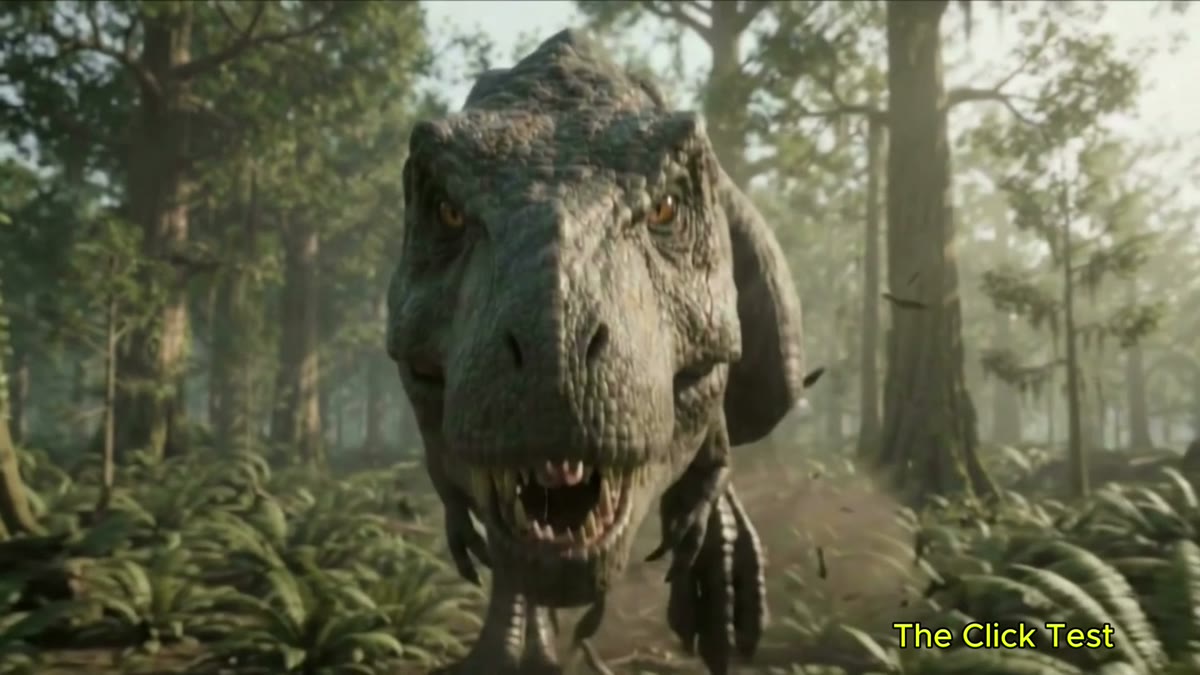
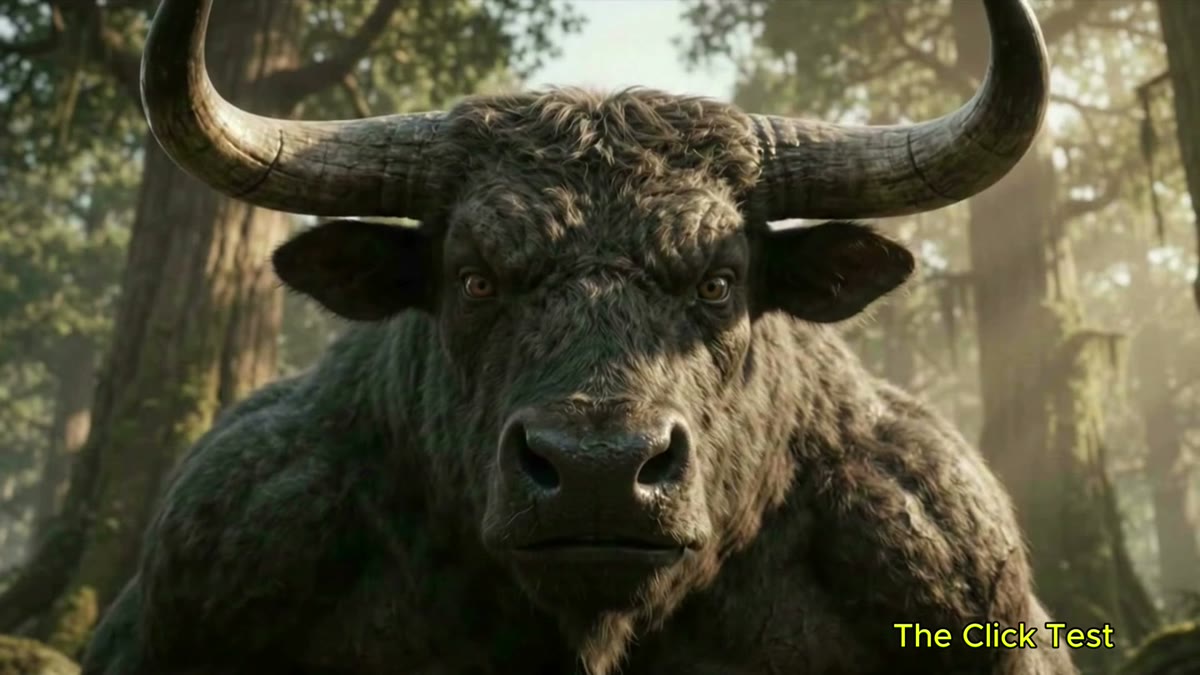
I checked the clips for recognizable versions of both creatures, a consistent forest setting, readable action, and cause and effect. Does the Minotaur appear where the previous shot left him? Does a strike follow its setup? Does the apparent movement continue instead of suddenly reversing? If a take broke the sequence or repeated a beat, I set it aside or moved it to a more sensible place in the timeline.
5. Assemble the approved clips manually in CapCut
Once I had usable takes, I arranged them by what the action showed—not simply by the order they were generated. The edit establishes the setting, introduces the creatures, builds toward the confrontation, escalates the fight, and ends on the movie’s final beat. I removed redundant or contradictory moments and used clean cuts so the sequence kept moving.
6. Export the complete 16:9 4K movie
The featured version is the landscape movie: 3840 × 2160 pixels, 16:9, and about 78 seconds. I exported the complete cut as one widescreen MP4. That is the movie intended for the player above—not a portrait crop or a shortened excerpt.
7. Make a separate 9:16 version without cropping the scene
For a vertical version, I kept the entire 16:9 picture sharp and centered, then filled the taller canvas with a softened, darkened background derived from the same footage. The movie remains a separate export. This leaves the T-Rex, Minotaur, and forest visible instead of zooming in until something important loses an argument with the frame edge.
What the process taught me
- One clear action is easier to evaluate. A short direction gives you a specific result to keep, retry, or reject.
- Continuation is a starting point, not a continuity lock. Watch for visual changes between generations.
- The edit creates the story. Clip order, repeated beats, and movement direction need a human review.
- Keep the landscape master. A separate vertical layout can preserve the full movie when the original frame is fitted rather than cropped.
The most useful split was simple: Gemini made the raw scenes, and manual editing decided which ones belonged together. The T-Rex got to do the roaring; I still had to do the sorting.